Screen Time & Chores Balance: A Smart Parent's Guide
Should kids earn screen time with chores? How much is too much? This guide covers practical strategies for balancing technology with responsibility.
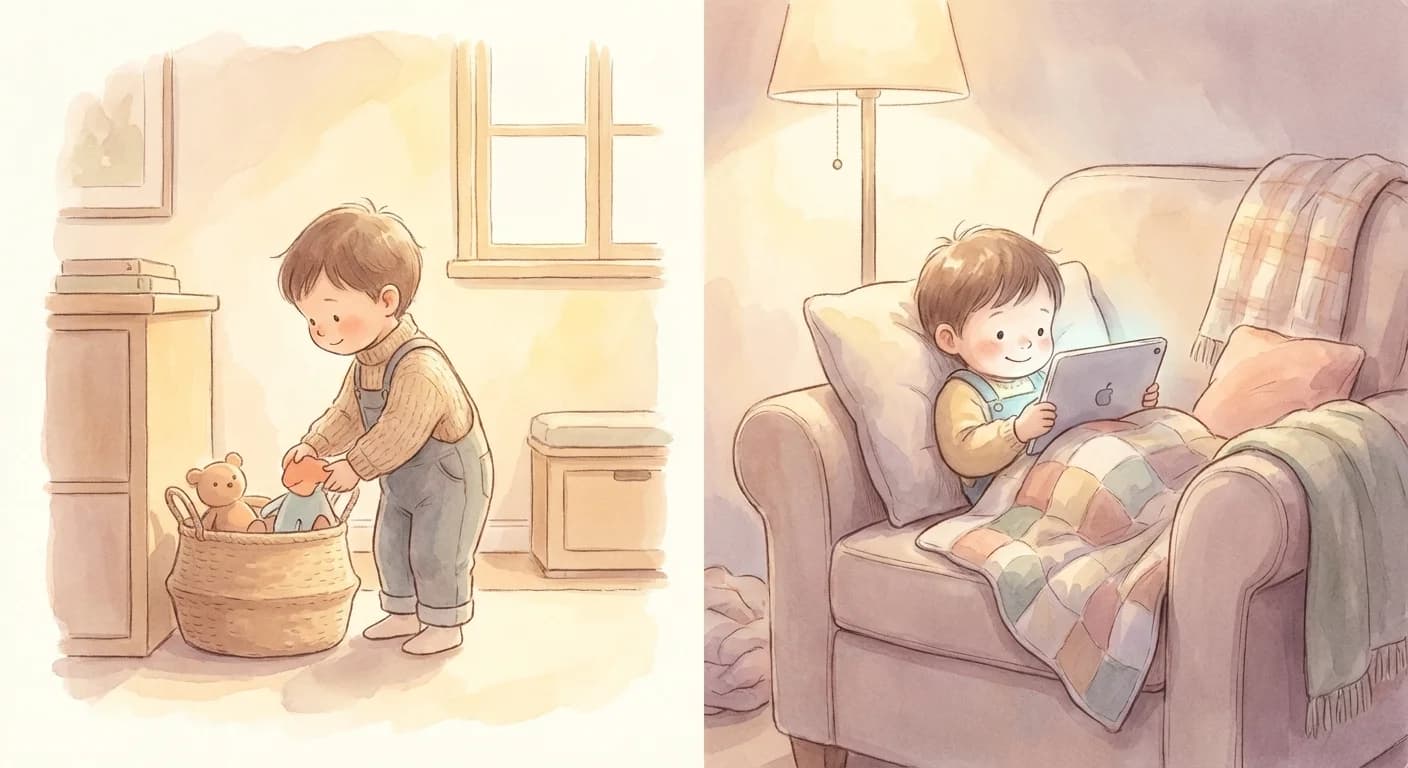
The screen time debate is complicated. Research shows excessive screen time can impact sleep, attention, and physical health. But screens are also educational, social, and unavoidable in modern life. The key is finding balance.
The goal isn't zero screens.It's teaching kids to balance entertainment with responsibilities, and to use technology intentionally rather than compulsively.
Screen Time Guidelines by Age
2-5 years
1 hour maxChore connection: Keep screen time and chores separate. Focus on building basic habits first.
- No screens during meals or before bed
- Co-view content together
- Prioritize interactive over passive viewing
- Chores should be fun, not transactional yet
6-9 years
1-2 hoursChore connection: Can introduce "responsibilities first" rule. Basic earning structure works.
- Screens only after homework and basic chores
- Use visual timers for screen limits
- Create designated screen-free zones
- Points systems can start at this age
10-13 years
2 hours recreationalChore connection: Earning screen time through chores becomes effective. Can handle complexity.
- Differentiate homework screens from entertainment
- Weekly screen time budgets work well
- Include them in setting rules
- Natural consequences for overuse
14+ years
Self-managed with boundariesChore connection: Focus on overall balance and responsibility. Less micromanagement.
- Discuss healthy habits, not rigid rules
- Screen time as part of larger responsibility picture
- Model healthy tech habits yourself
- Trust but verify approach
4 Screen Time Strategies
There's no one-size-fits-all approach. Choose based on your family's values and your child's temperament.
Earn Time System
Kids earn screen minutes by completing chores. 1 chore = X minutes.
Pros
- Clear connection between work and reward
- Kids understand value of time
- Self-regulating system
Cons
- Can become transactional
- Requires tracking
- May undervalue intrinsic motivation
Best for: Ages 6-12 who respond well to concrete rewards
Responsibilities First
All daily responsibilities must be done before any screen time unlocks.
Pros
- Simple to implement
- No complex tracking
- Builds routine
Cons
- All-or-nothing can frustrate kids
- Requires clear task definition
- Less flexible
Best for: Families wanting clear boundaries without point systems
Time Budget
Weekly screen time budget kids manage themselves. Chores not directly tied.
Pros
- Teaches self-management
- Less parent monitoring
- Builds planning skills
Cons
- Requires maturity
- Can blow budget early
- Need backup plan
Best for: Mature kids 10+ ready for more independence
Balanced Day
Screen time allowed only after certain activities: outdoor play, reading, chores.
Pros
- Promotes well-rounded day
- Not purely transactional
- Encourages variety
Cons
- More categories to track
- Weather dependent for outdoor
- Complex for younger kids
Best for: Families prioritizing overall balance over chore focus
Sample Daily Schedule
Weekday (School)
| Morning | Morning chores (bed, breakfast dishes) | No screens |
| After School | Homework + afternoon chore | 30 min after completion |
| Dinner | Help with dinner/cleanup | No screens |
| Evening | Free time if responsibilities done | Up to 1 hour earned |
| Before Bed | Prepare for tomorrow | No screens 1 hour before bed |
Weekend
| Morning | Basic chores (bed, room tidy) | 30 min after chores |
| Midday | Outdoor/active time required | Earn more time |
| Afternoon | Family activity or free play | Up to 2 hours total |
| Evening | Wind down | Same bedtime screen cutoff |
5 Mistakes to Avoid
Using screens as the only reward
Creates unhealthy attachment and makes screens the ultimate prize
Better: Offer variety: outdoor activities, special outings, allowance, choice time
Vague "no screens until chores done"
Kids don't know what "done" means, leading to arguments
Better: Define specific tasks: "Make bed + clear dishes + 10 min room tidy = screens"
Taking away screens as punishment
Makes screens seem even more valuable; creates resentment
Better: Use natural consequences related to the behavior instead
Different rules for different days
Inconsistency leads to constant negotiation and confusion
Better: Establish clear weekday vs weekend rules and stick to them
Not modeling healthy screen use
Kids copy parents; "do as I say not as I do" doesn't work
Better: Have family screen-free times, put phone away during meals
Key Takeaways
- Screen time isn't inherently bad—balance and intentionality matter
- Match your approach to your child's age and maturity
- Consistency beats perfection—stick to your rules
- Model healthy screen habits yourself
- Use technology to track and gamify (like ChoreSplit) rather than fight it