The Complete Chore Chart List That Actually Works
100+ household chores organized by room and age, with printable vs digital comparison, allowance tie-ins, and household planning tips. The only chore chart list your family needs.
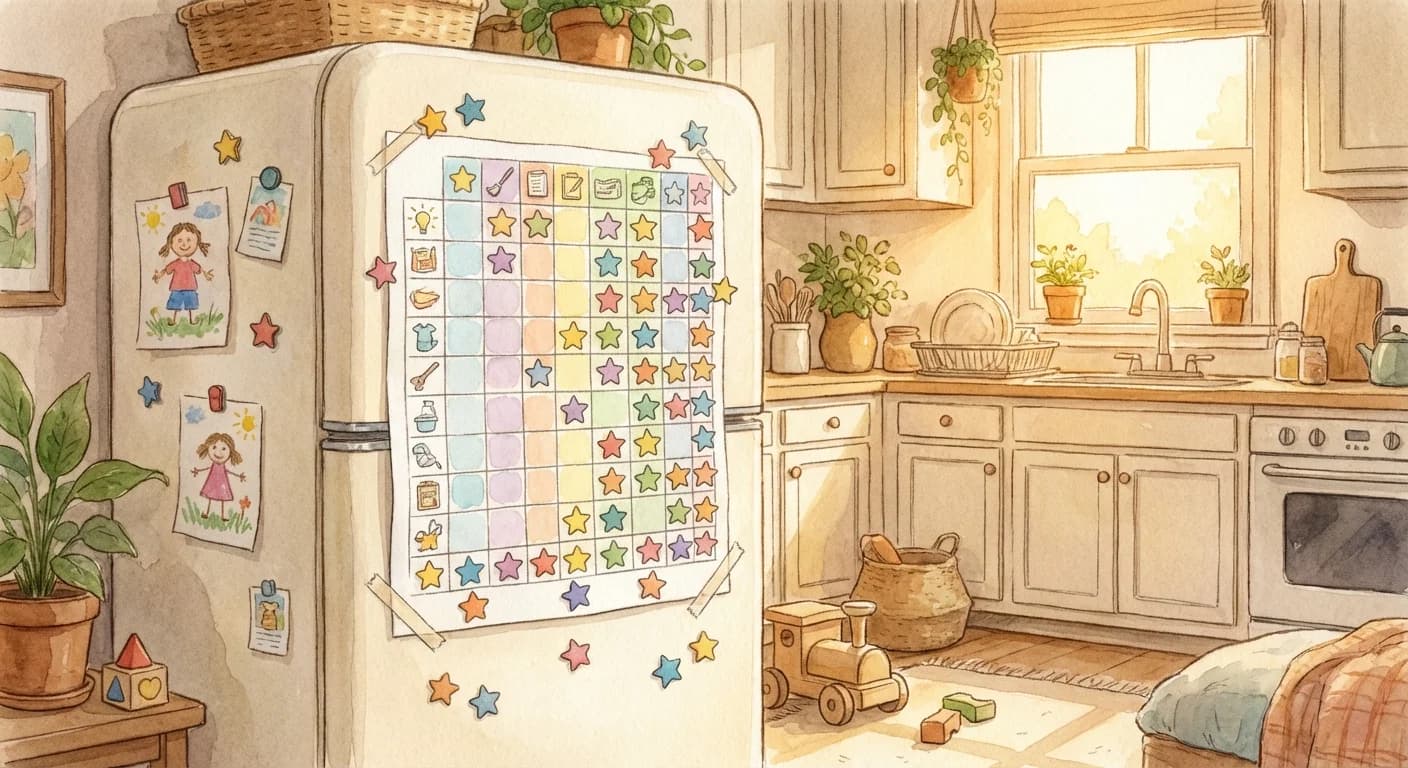
Why do most chore charts fail?It's rarely the chart itself—it's how it's implemented. The right system, consistently applied, transforms chaotic households into functioning teams. The wrong system (or inconsistent follow-through) wastes time and builds resentment.
Key insight:The best chore chart is the one your family will actually use. Fancy doesn't beat functional. Start simple and iterate.
Types of Chore Charts
Printable Paper Charts
Physical charts posted on the fridge or wall
Best for: Young children (3-7), families new to chore systems
Pros
- Tangible and always visible
- Satisfying to physically check off
- No technology required
- Easy to customize with stickers
Cons
- Gets dirty/torn
- Need to recreate weekly
- Easy to ignore once novelty wears off
- No automatic tracking or reminders
Tips for Success
- Laminate for reuse with dry-erase markers
- Post at kid eye level
- Include pictures for non-readers
- Add a physical reward jar nearby
Whiteboard/Magnet Systems
Reusable boards with magnets or markers
Best for: Families wanting durability without digital
Pros
- Reusable indefinitely
- Easy to update
- Physically satisfying
- Can move magnets to show progress
Cons
- Initial cost for quality boards
- Can be erased accidentally
- Still manual tracking
- Takes wall/fridge space
Tips for Success
- Create "To Do" and "Done" columns
- Use color-coded magnets per child
- Include space for bonus tasks
- Place in high-traffic area
Digital/App-Based
Apps like ChoreSplit that track chores digitally
Best for: Families with kids 6+, multiple children, busy schedules
Pros
- Automatic reminders
- Built-in gamification (points, streaks)
- No physical maintenance
- Progress tracking over time
- Works for multiple kids automatically
Cons
- Requires devices
- Some apps have monthly fees
- Less tactile for young kids
- Screen time concerns for some families
Tips for Success
- Choose apps with gamification for motivation
- Set up notifications strategically
- Use parent dashboard to monitor progress
- Consider apps that grow with kids
Quick Comparison
| Feature | Paper | Whiteboard | App |
|---|---|---|---|
| Initial Cost | Free-$5 | $15-40 | Free-$5/mo |
| Ongoing Cost | Printing | None | Subscription |
| Setup Time | 30 min/week | 1 hour once | 15 min once |
| Maintenance | Weekly | Daily reset | Automatic |
| Reminders | None | None | Automatic |
| Multi-child | Separate charts | Color coded | Built in |
| Gamification | Stickers | Limited | Points/streaks |
| Progress History | None | None | Full tracking |
5 Essential Elements
Whether paper or digital, every effective chore chart needs these elements:
Clear Task Names
Specific, unambiguous task descriptions
Good
"Make bed: pull up covers, arrange pillows"
Bad
"Clean room"
Assigned Owner
Every task has a specific person responsible
Good
"Emma: Feed dog morning & evening"
Bad
"Kids: Pet care"
Frequency/Schedule
When and how often each task happens
Good
"Daily before school" or "Saturday morning"
Bad
"When needed"
Completion Indicator
Clear way to mark done (checkbox, sticker, etc.)
Good
Checkbox, sticker spot, or digital checkmark
Bad
No way to track completion
Reward/Points (Optional)
Motivation tied to completion
Good
5 points per task, 50 points = reward choice
Bad
Vague promises of rewards "later"
Chart Recommendations by Age
3-5 years
3-5 daily tasksRecommended: Paper with pictures
Tips
- Use pictures/icons instead of words
- Keep at eye level
- Physical stickers for completion
- Review together daily
Sample Tasks
- - Put toys away
- - Put dirty clothes in hamper
- - Help set table
- - Feed pet
6-9 years
5-8 daily tasksRecommended: Paper/whiteboard or simple app
Tips
- Can read simple task names
- Introduction to points/rewards
- Weekly check-ins on progress
- Some independence in tracking
Sample Tasks
- - Make bed
- - Clear dishes
- - Take out trash
- - Keep room tidy
- - Homework
10-13 years
6-10 tasks with varietyRecommended: Digital app preferred
Tips
- Gamification becomes important
- Self-management with check-ins
- Leaderboards/competition can motivate
- Tie to meaningful rewards
Sample Tasks
- - Laundry start to finish
- - Cook simple meal
- - Clean bathroom
- - Yard work
14+ years
Weekly responsibility listRecommended: App with autonomy
Tips
- Shift to weekly vs daily tracking
- More ownership, less micromanagement
- Focus on outcomes, not process
- Natural consequences for skipping
Sample Tasks
- - Deep clean assigned area
- - Grocery shopping
- - Meal planning/cooking
- - Car maintenance
The Complete Household Chore List
Every chore your household needs, organized by area. Use this as a menu to build your family's chart — no family does all of these. Pick what matters for your home.
Kitchen
Living Areas
Bathrooms
Bedrooms
Outdoor
Laundry
Pet Care
Tying Your Chore Chart to Allowance
A chore chart becomes more powerful when connected to real rewards. Three common approaches:
Flat Allowance
Fixed weekly amount regardless of chores. Chores are family responsibility; money teaches budgeting separately.
Best for: Families who want to separate money lessons from household contributions.
Commission Model
Kids earn per chore completed. No work = no pay. Direct connection between effort and income.
Best for: Teaching work ethic and entrepreneurial thinking.
Hybrid (Recommended)
Base chores are unpaid family duties. Extra chores earn commission. Teaches both responsibility and earning.
Best for: Most families — balances contribution with financial motivation.
For detailed allowance amounts by age, see our allowance guide and kids allowance guide.
Household Planning: Making It Fair
A good chore chart is really a household planning tool. Keep it fair and functional:
Rotate unpopular chores
Nobody should be stuck with toilets forever. Rotate the least-liked tasks weekly or monthly so everyone shares the load.
Match chores to ability, not gender
Boys do laundry. Girls mow lawns. Assign based on age and capability, not stereotypes.
Use daily + weekly + monthly layers
Daily: dishes, beds, tidying. Weekly: vacuuming, bathrooms, laundry. Monthly: deep cleans, organization. Layer them into your chart.
Build in flexibility
Life happens. Allow task swaps between family members and catch-up days. Rigid systems break; flexible ones bend.
Review and adjust quarterly
As kids grow, their capabilities change. Review your chart every few months and adjust tasks, expectations, and rewards.
6 Reasons Chore Charts Fail
Too many tasks at once
Overwhelms kids and leads to ignoring the whole chart
Fix: Start with 3-5 tasks. Add more only after consistency established.
Vague task descriptions
"Clean room" means different things to parent and child
Fix: Be specific: "Make bed, clothes in hamper, toys in bin, floor clear"
No consequences for skipping
Chart becomes optional when nothing happens
Fix: Tie completion to privileges or rewards. Be consistent.
Giving up after 2 weeks
Habits take 2+ months to form. Novelty wears off around week 2.
Fix: Expect a dip. Push through with consistency. Results come later.
Not involving kids in creation
Kids resist top-down mandates
Fix: Let them choose some tasks, pick their reward goals, customize chart
Making it too complicated
Complex systems require too much parent effort to maintain
Fix: Start simple. A basic chart done consistently beats elaborate systems abandoned.
Chores by Age: What's Appropriate at Every Stage
Age-appropriate chores matter because they build confidence without overwhelming kids. A 5-year-old making their bed feels the same pride a 14-year-old feels cooking dinner for the family. The key is matching the task to the developmental stage — too easy and they're bored, too hard and they're frustrated.
| Age | Sample Chores | Allowance Range | Full Guide |
|---|---|---|---|
| 5 years | Put toys away, feed pet, make bed, wipe table | $1-$3/week | Age Guide |
| 6-8 years | Set table, take out trash, fold laundry, water plants | $3-$5/week | 6-8 Guide |
| 9-10 years | Load dishwasher, vacuum, help with cooking, yard work | $5-$8/week | Age Guide |
| 12 years | Cook simple meals, clean bathroom, do laundry, babysit | $8-$12/week | 12-Year-Olds |
| 14+ years | Deep clean, grocery shop, meal plan, car maintenance | $12-$20/week | Teen Ideas |
Want the complete breakdown? Our age-appropriate chores guide covers every age from toddler to teen, with detailed task lists, developmental reasoning, and tips for making each stage work.
Also see: chores for tweens | paying kids for chores | allowance by age
Key Takeaways
- Paper charts work for young kids; apps work better for ages 6+
- Every chart needs clear tasks, owners, schedules, and completion tracking
- Start simple with 3-5 tasks before adding complexity
- Consistency beats complexity—a basic chart used daily beats elaborate systems
- Involve kids in creating the system for better buy-in
- Expect a dip at week 2-3 and push through with consistency